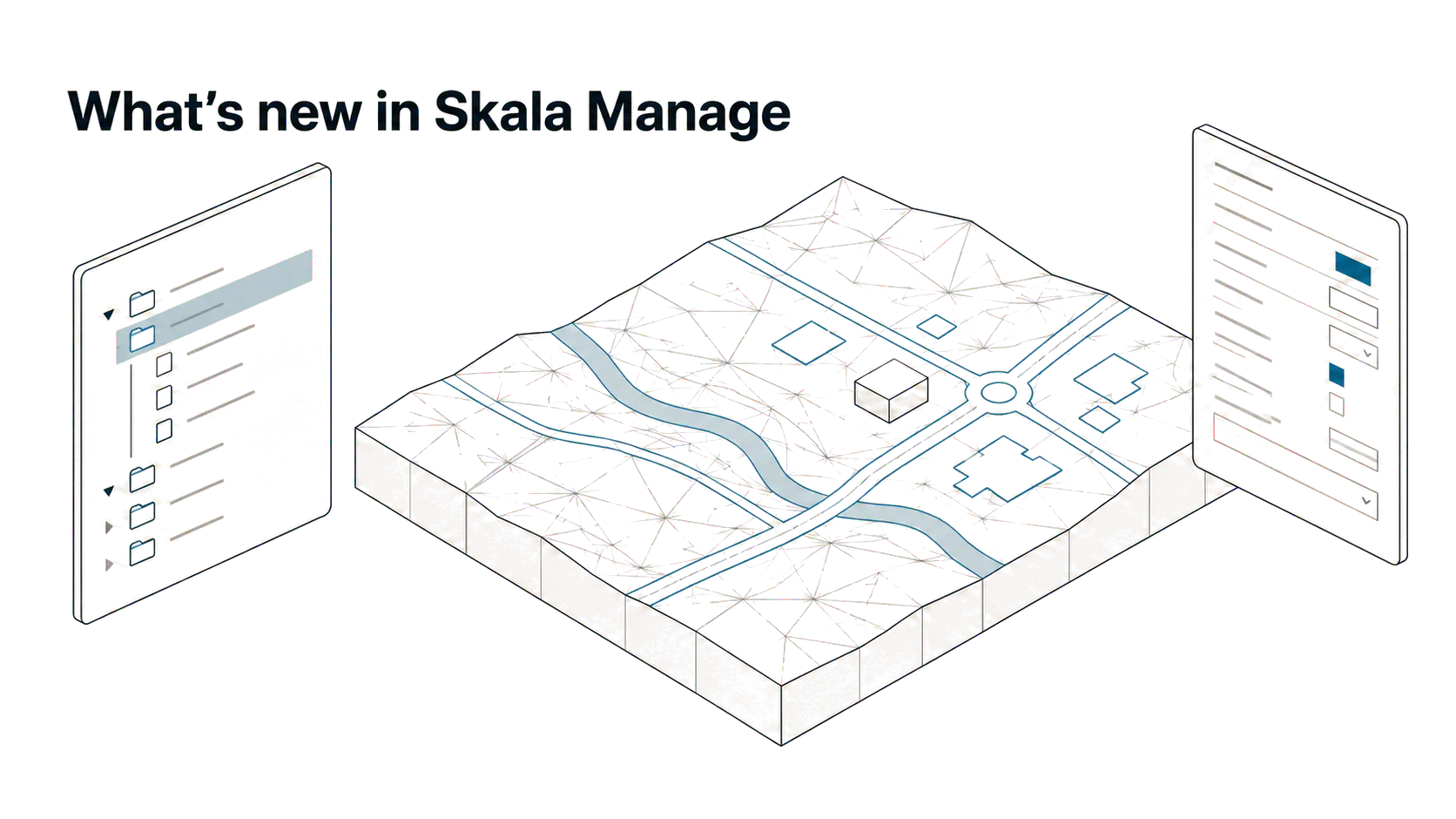
Skala Manage is the SketchUp extension where you sign in with your Skala account and install, update and uninstall the Skala tools. The latest version is 0.7.230.
Skala Base included
The former standalone Skala Base extension now ships inside Manage, under "Skala BIM → Skala Base". That means one install instead of two.
Skala Start
Skala Start is a Windows project window that opens before SketchUp. It is where you pick or create projects and sub-projects.
- Coordinate system and unit (m, cm or mm) are set per project and shared by all sub-projects
- "Start without project" opens a new model from the Skala template
- Deleted projects go to the Recycle Bin
Workspace
- Toolspace lists the model's points, surfaces, alignments, pipe networks, components and groups in its own panel, with show/hide and zoom
- The Properties panel is modelled on the AutoCAD and Civil 3D palette, with editable name, tag, material and point coordinates
- A slider sets terrain visibility from 0 to 100 %
Points and lines
- "Set point", "Get coordinates" with "Copy XYZ", and "Set point height"
- "Set centre points" places helper points at the centre, top and bottom of the selection
- "Extract lines from surface" creates borders and contours as 3D curves
Terrain and maps
- Terrain for the project area from Kartverket (Norway)
- A background map under the model, with 3D, 2D and split view, and the detailed Finnish MML map
Skala Base, Skala Start and the workspace panels require Windows and a session started from Skala Start. The map in the viewport requires SketchUp 2023 or newer.